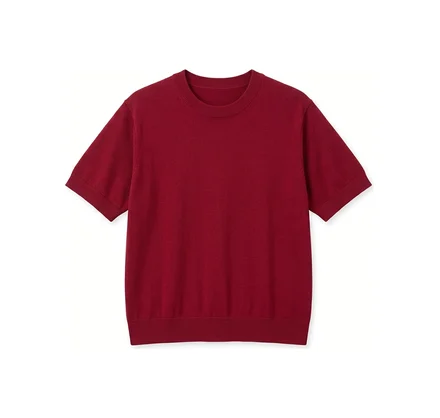
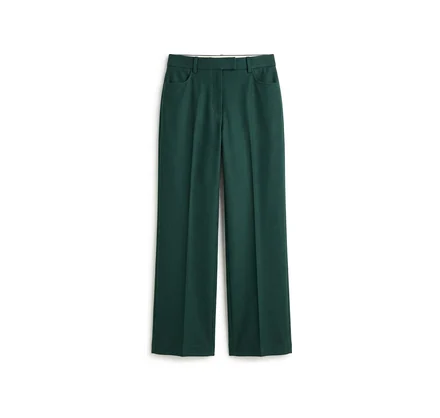
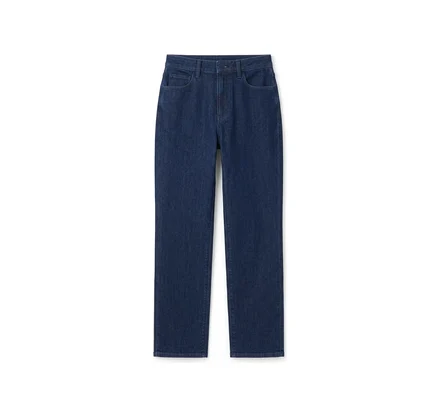
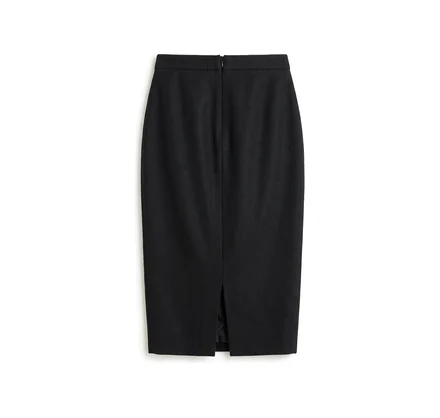
Meet ToneMate, your new style expert.

The right outfit is already in your wardrobe.

ToneMate reads your skin tone from a single photo, works out which colors suit you, and puts together outfits from the clothes you already own.
Download on theApp Store
Get it onGoogle Play
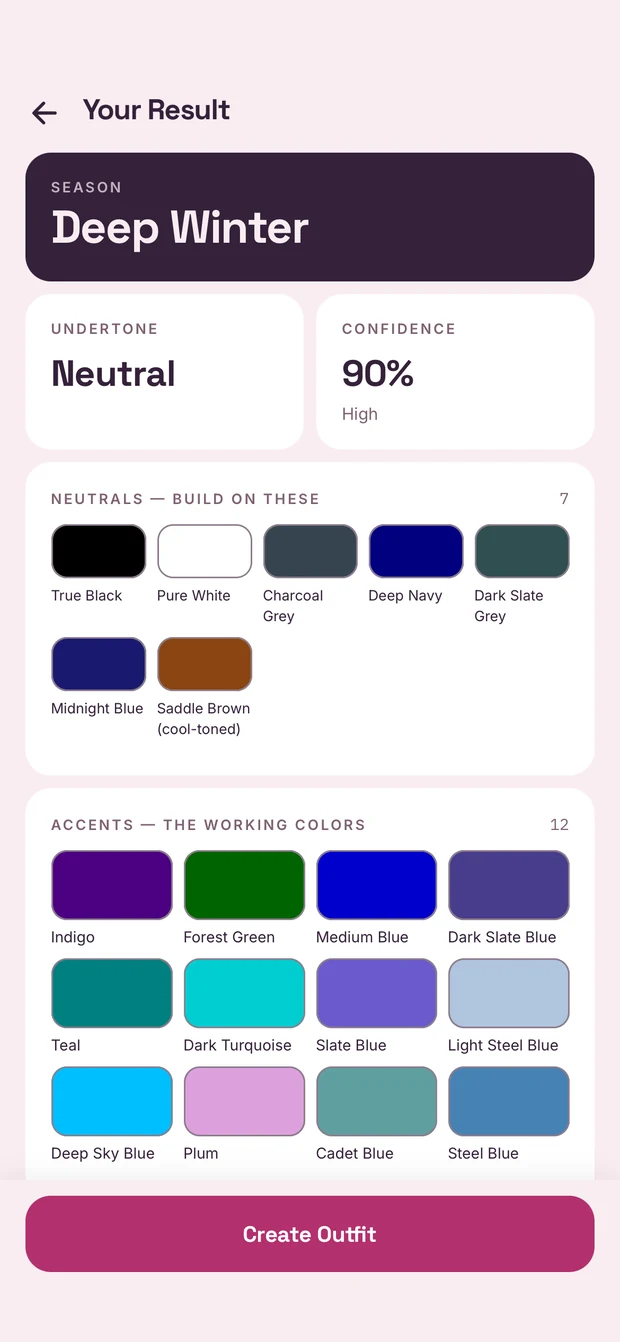
ToneMate's result screen: season Deep Winter, neutral undertone, 90% confidence, then the neutral and accent colors named one by one.
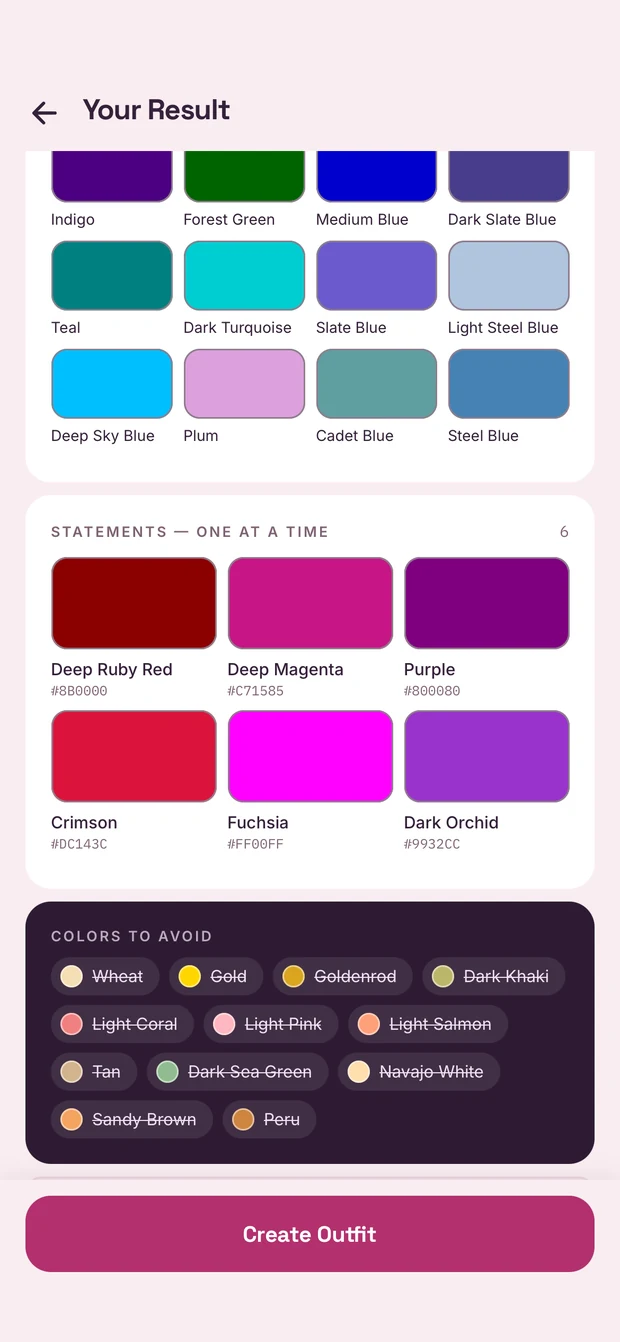
The same screen further down: the statement colors with their hex values, and a dark panel listing the colors to avoid, each struck through.

Three steps, then it just works

  1. Take one photo

    ToneMate reads your undertone and places you in one of twelve seasonal palettes, with every color named. The photo is deleted the moment the analysis finishes.
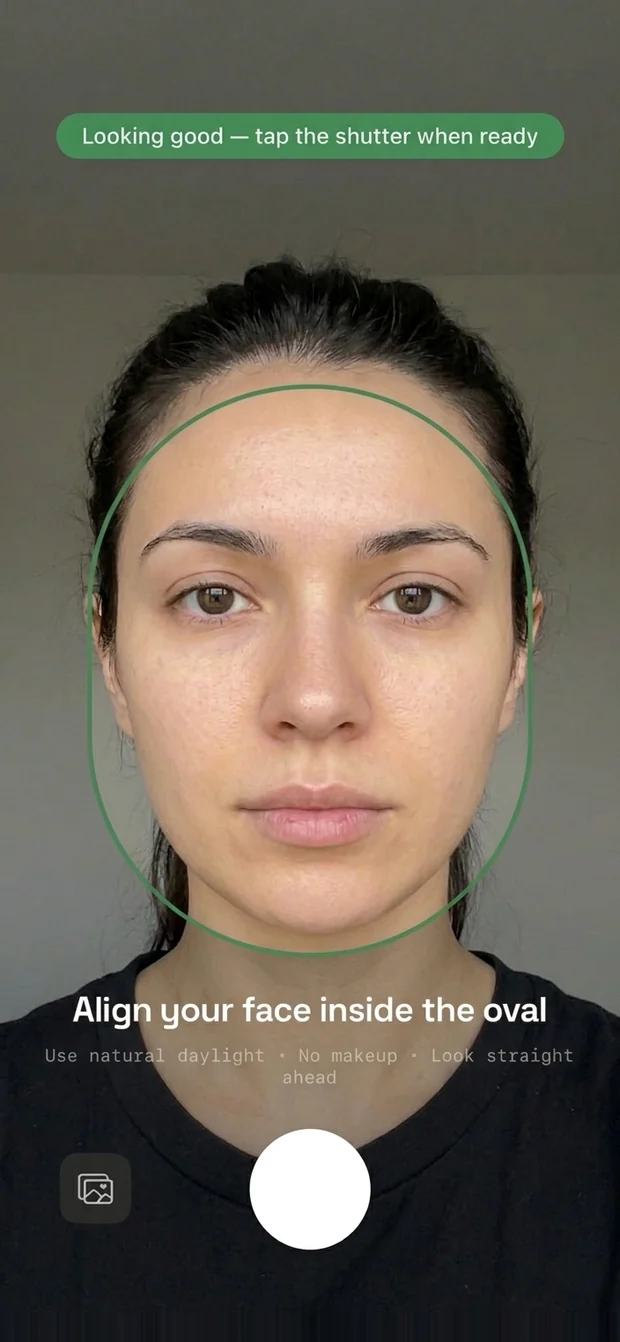
    The camera screen, face centred in the oval guide which has turned green, with the live tip reading 'Looking good — tap the shutter when ready'.
  2. Add your wardrobe

    Photograph each piece on any surface. The background is removed and the item is tagged for you — category, colors, fabric weight, sleeve length.
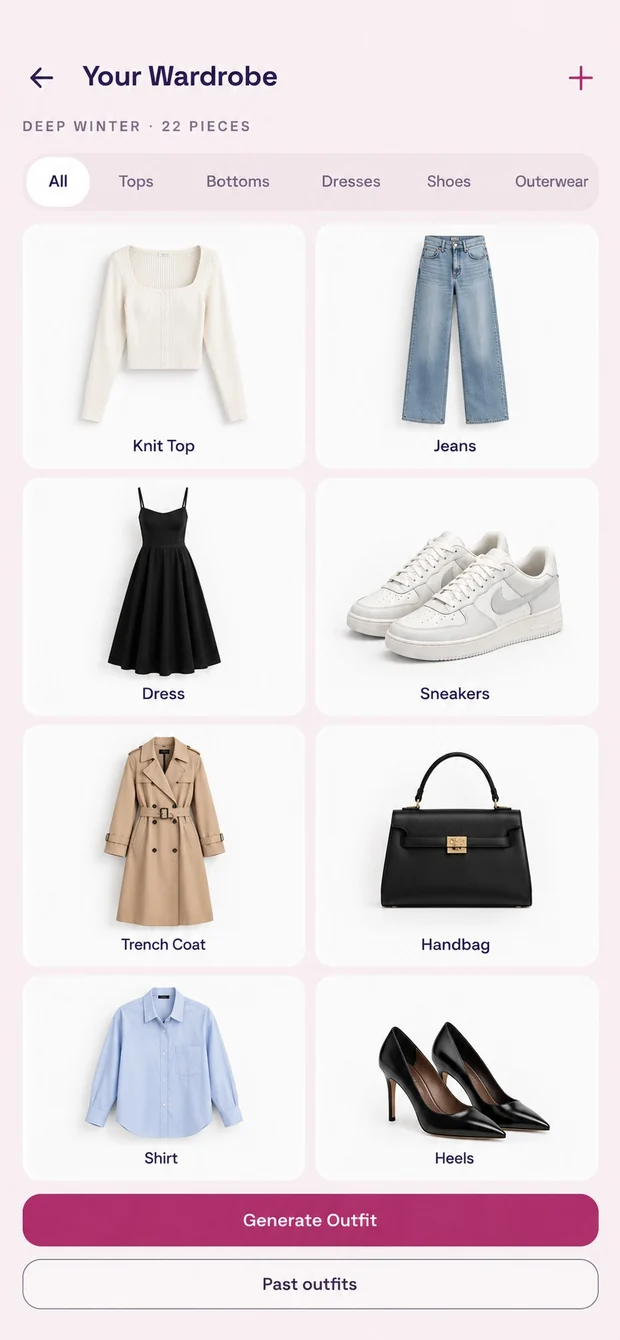
    The wardrobe screen: eight pieces in a two-column grid, each on a white card with its name underneath, above a Generate Outfit button.
  3. Get an outfit

    Built from what you own, matched to your palette and to today's weather where you are — and it tells you why each piece is in there.
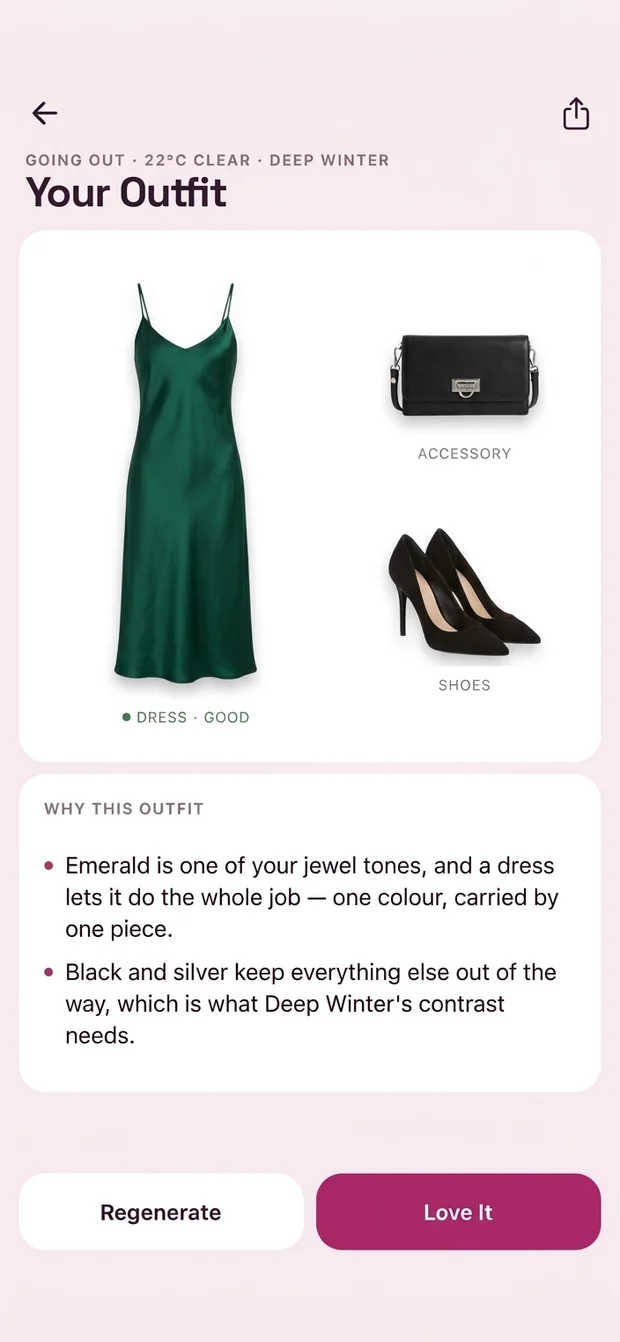
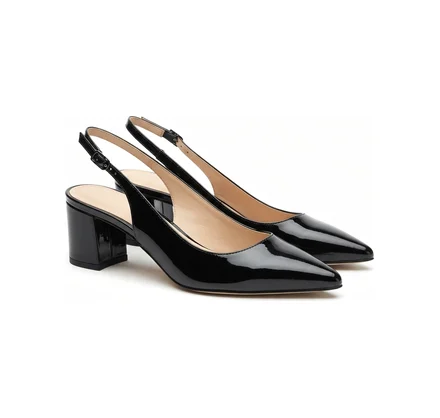
    The outfit screen: an emerald slip dress with a black clutch and black heels, above the reasoning that explains why each piece is there.

Outfits from your own wardrobe

Not a catalogue of clothes you do not own. ToneMate combines the pieces you photographed, ranks each one against your palette, and shows the reasoning behind the combination.
Everyday Work Going Out Formal Active Beach
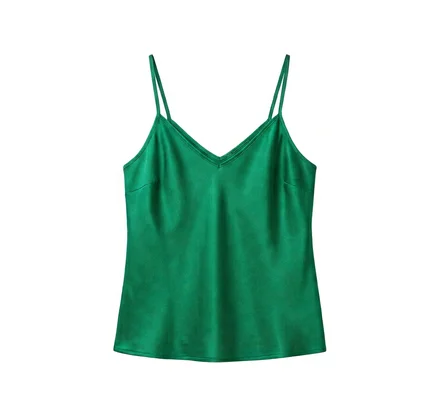
An emerald green silk camisole
A pair of deep green wide-leg trousers
A pair of silver strappy heeled sandals
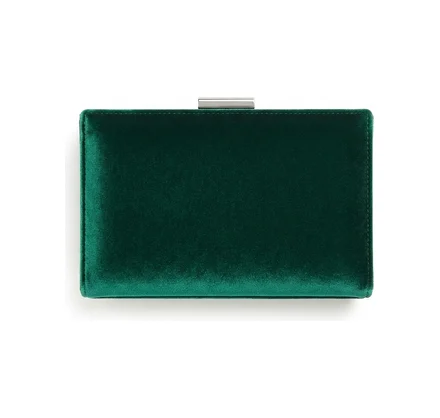
An emerald green velvet clutch bag

ToneMate is coming to iPhone and Android

Download on theApp Store
Get it onGoogle Play